
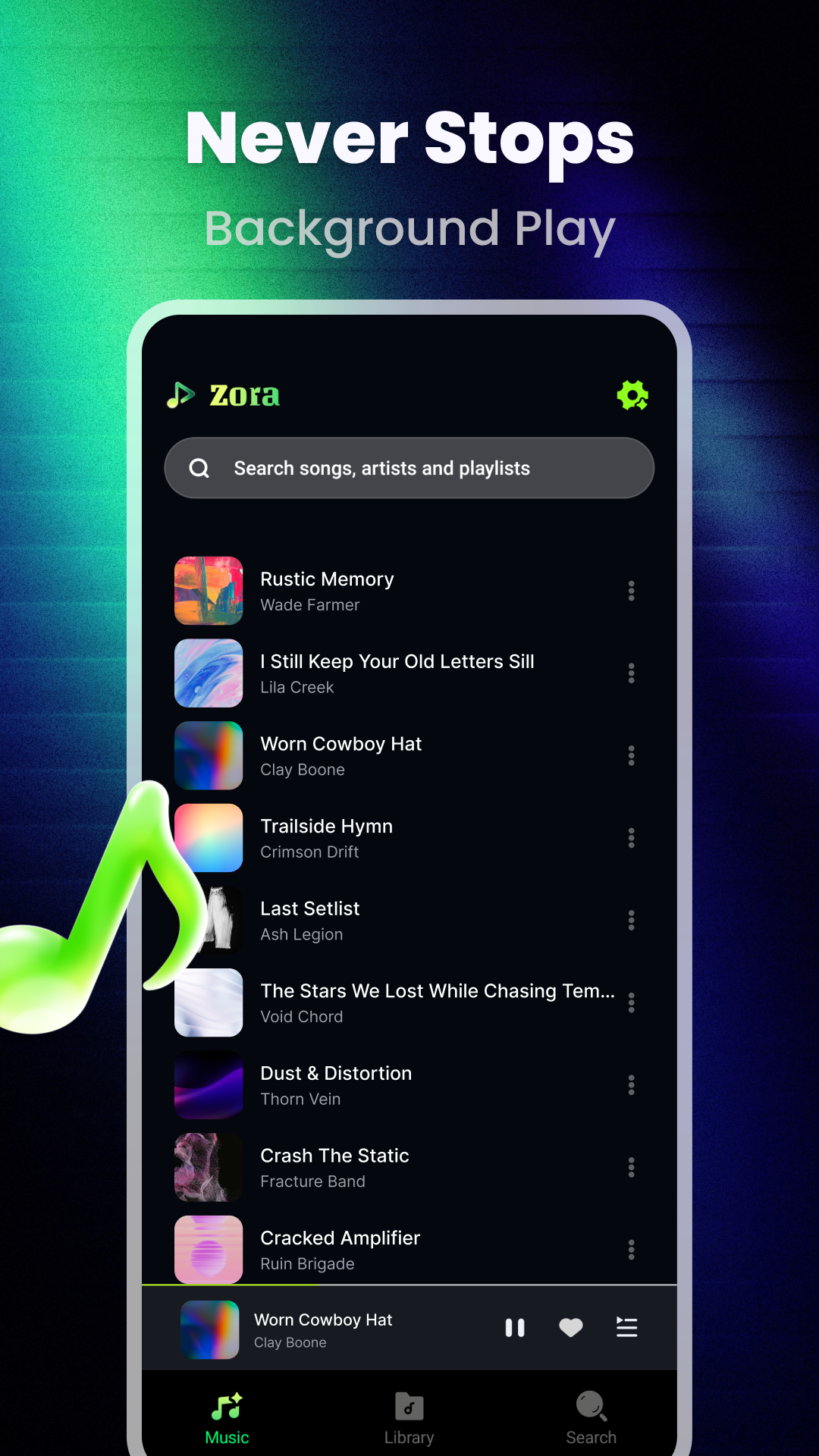
Keep the playback close
The library view shown in the app keeps the current track and its controls within reach.
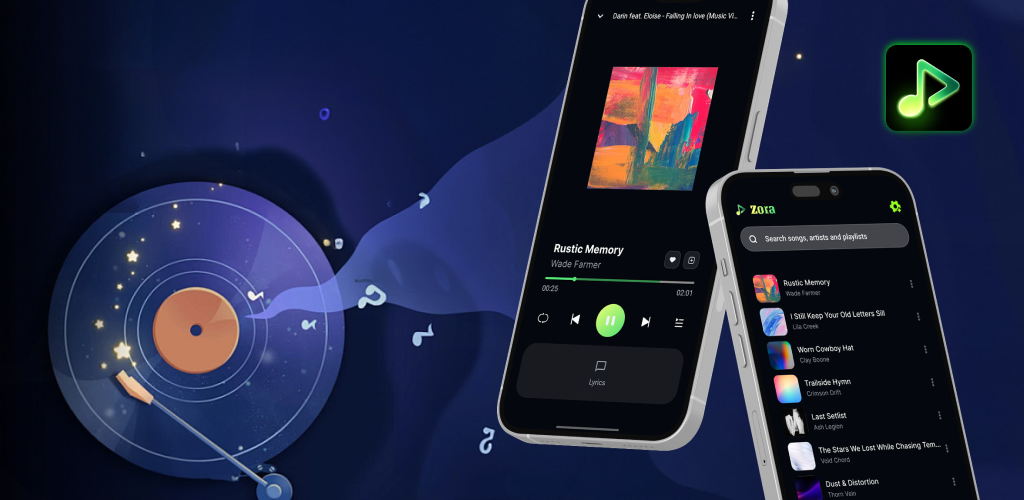
Zora - Music Player
Zora brings your music library, playback controls, and lyric view into one focused place for listening.
The listening path
Browse the library, find a song or playlist, open the player, and bring lyrics into view. The interface shown in Zora keeps these moments connected rather than scattered.
A screen-by-screen story
The library view shown in the app keeps the current track and its controls within reach.
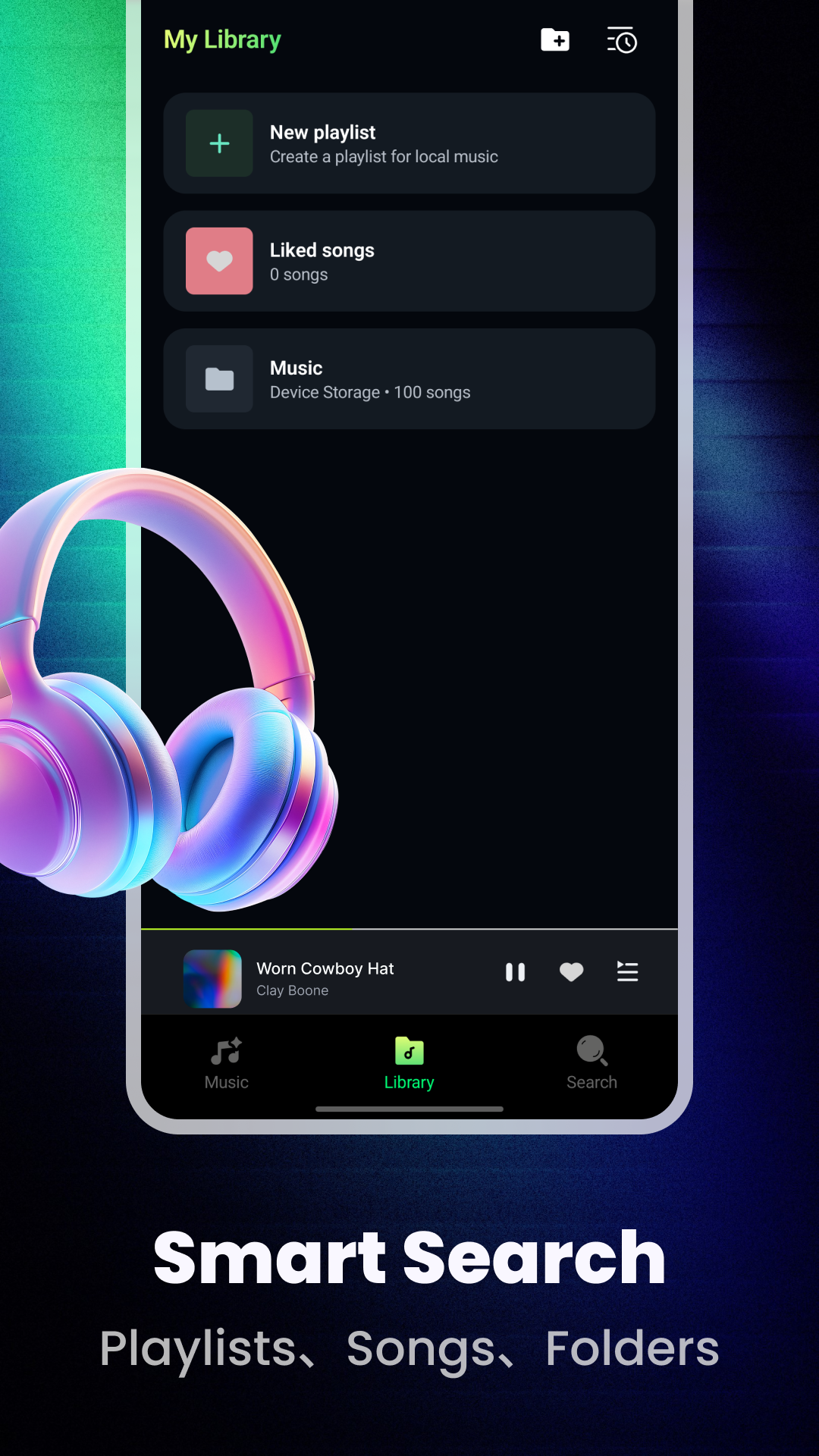
Move between playlists, songs, and folders through a compact library surface.
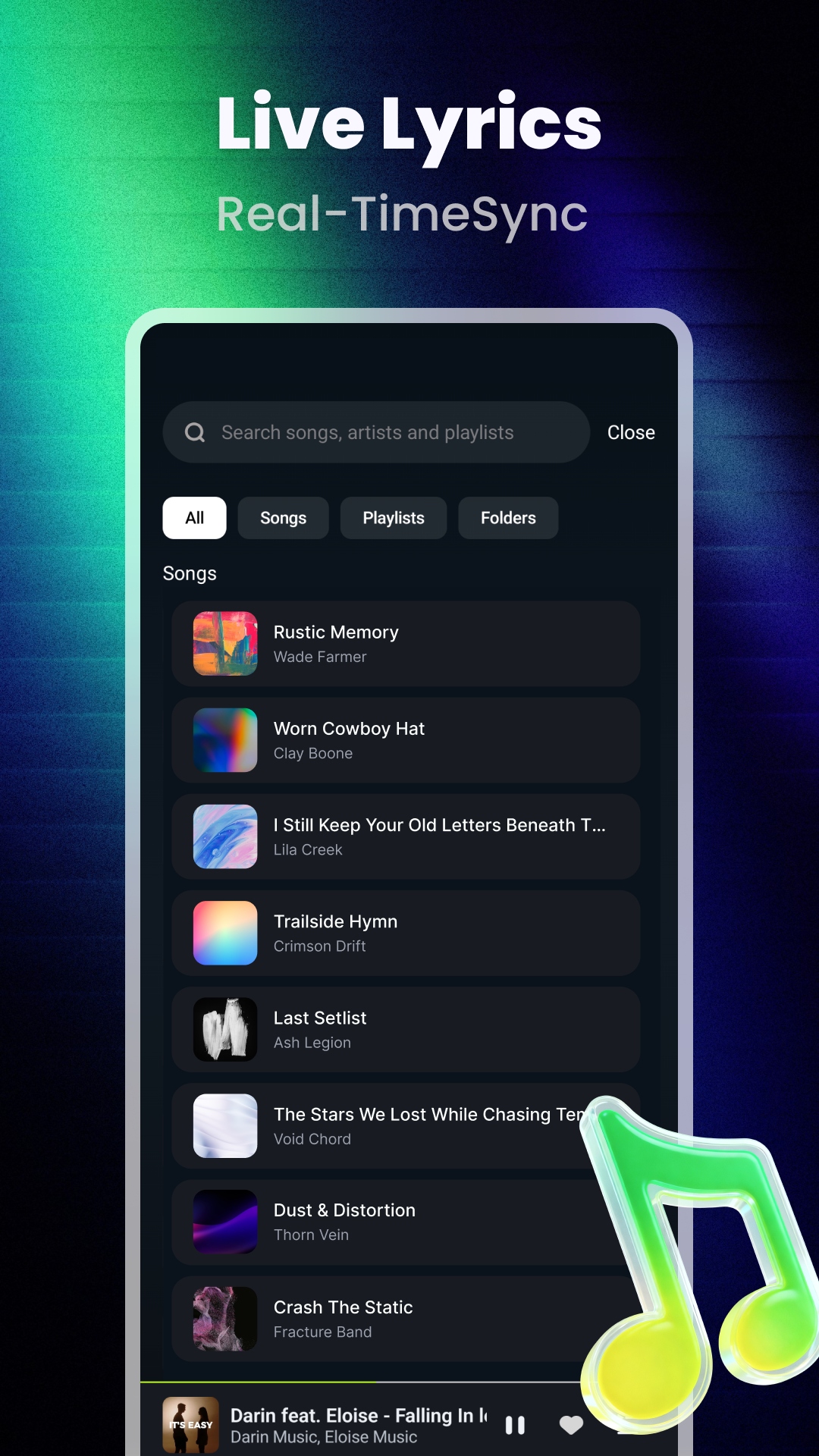
The search view is presented alongside a live lyrics message, keeping the next song and its words close together.
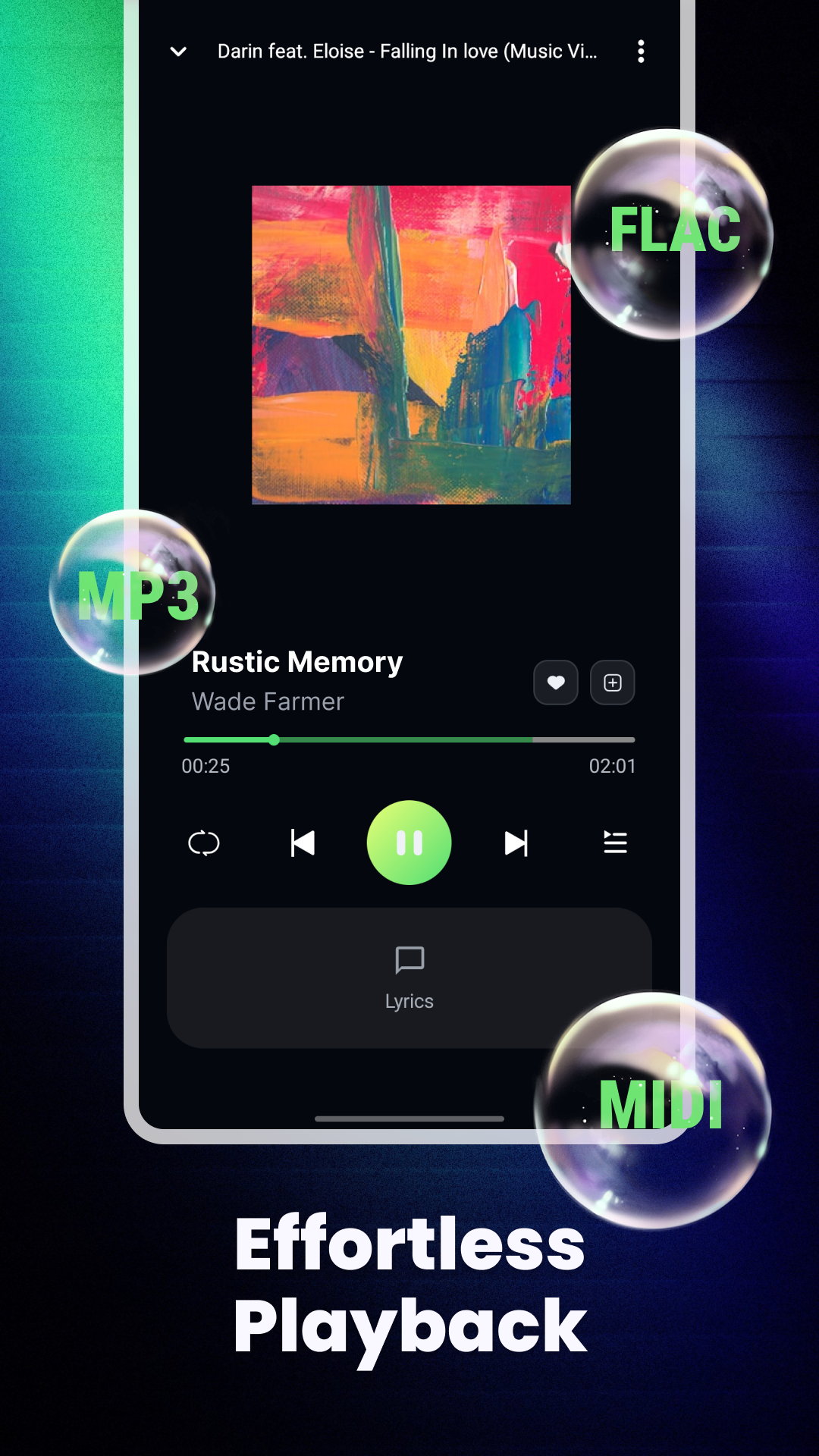
A dedicated playing screen puts album art, track progress, and familiar controls in one focused view.

A private moment, on your terms
The Zora screens show a library built around playlists, songs, folders, and a simple now-playing view. Format markers shown in the app make the collection feel just as varied as the listening.
Contact Zora
Send a note about Zora, its music experience, or the website. This form provides an on-page confirmation.